
Sahibinden Land Listings: 226K Plots for Sale, Plus 86K from HepsiEmlak
Land for sale across Turkey from Sahibinden and HepsiEmlak for a land investor: 226,000 plots in the first file and 86,200 HepsiEmlak rows.
Case study
The client is a real-estate company in India that keeps its own database of residential projects and the builders behind them. It wanted the new-projects section of housing.com: for each project the name, builder, address, RERA registration number, configurations, launch date, amenities and listing URL, plus every image attached to the project. Floor plans, master plans, site layouts and cluster plans mattered most.
The client first came to us with a monthly brief and a one-city pilot. While that was being scoped, it tried another company. A month later it was back: that attempt had not got going, and the new brief was a single large run over every project page numbered from 100 to 315,000.
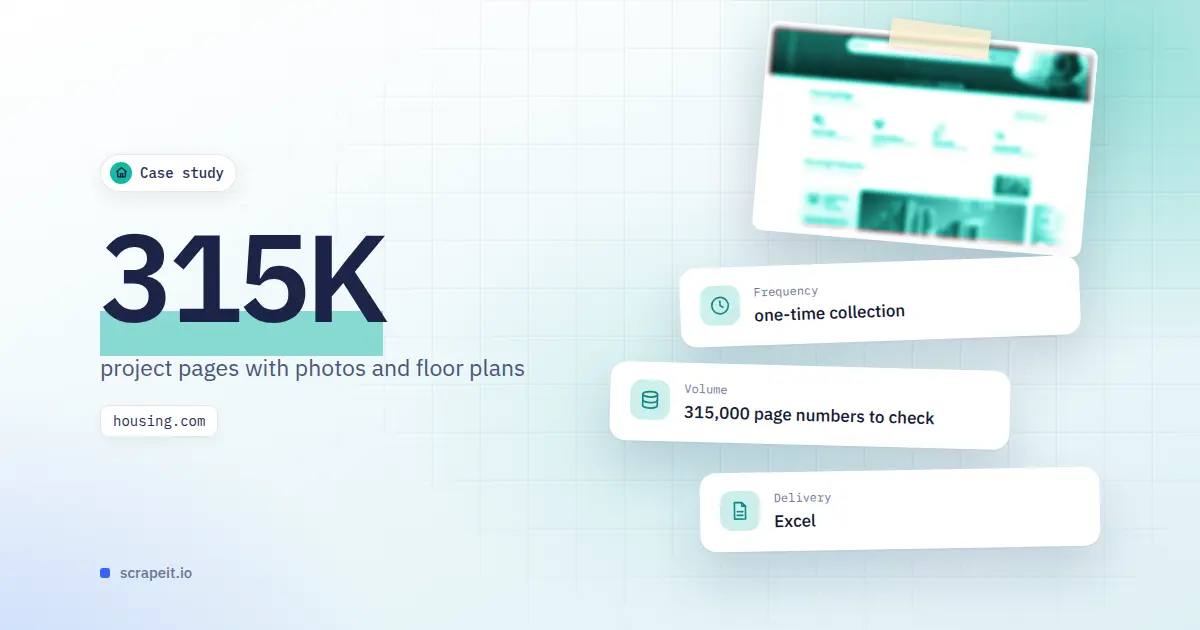
The brief was a range of page numbers, and not every number is a project. In the sample run, 1,300 numbers gave 1,000 project cards; the rest led to no project page.
Images set the scale. Ten projects in the first test sample came with 160-170 images, so the full set would need a lot of storage. The client offered its own cloud storage, and the images went there directly.
Reviewing the 1,000-row sample, the client asked for every image group on the project page, not only the general photo gallery: floor plans and project images were exactly the files it needed most. They were added four days after the sample went out.
Brochures needed their own decision. On the site, a brochure opens only after a visitor leaves a phone number and email. During scoping we settled on delivering each brochure as one whole PDF rather than 30 to 50 page images.
Images went straight into the client's OneDrive, with access set up together with the client.
A mapping sheet ties each image file to its project. The client asked for it while the upload was still running and received it before the upload finished.
Three weeks after the 1,000-row sample, the last images were in the client's drive. The client has project cards with builder, address, RERA number, configurations, launch date and amenities, every image of each project with floor plans and layouts included, and a mapping sheet that ties every file to its project. The client thanked the team the same day.
See our Housing.com scraper and more real estate data projects; data can also come through our API or as a JSON feed. To scope a one-off collection with images for your own market, contact our team.
Land for sale across Turkey from Sahibinden and HepsiEmlak for a land investor: 226,000 plots in the first file and 86,200 HepsiEmlak rows.
A daily apartments.com feed for a US apartment locator: about 3,000 buildings from the client's own list, down to each unit's rent and floor plan.
A one-time 30-day history of Sahibinden car and SUV listings for a startup building an AI deal finder, delivered as JSON through our API.
Let us take your work with data to the next level and outrank your competitors.
You tell us which website(s) to scrape, what data to capture, how often to repeat etc.
An expert analyzes the specs and proposes a lowest cost solution that fits your budget.
We configure, deploy and maintain jobs in our cloud to extract data with highest quality. Then we sample the data and send it to you for review.
If you are satisfied with the quality of the dataset sample, we finish the data collection and send you the final result.
Tell us more about you and your project information.