
Scraper Broke After a Site Redesign
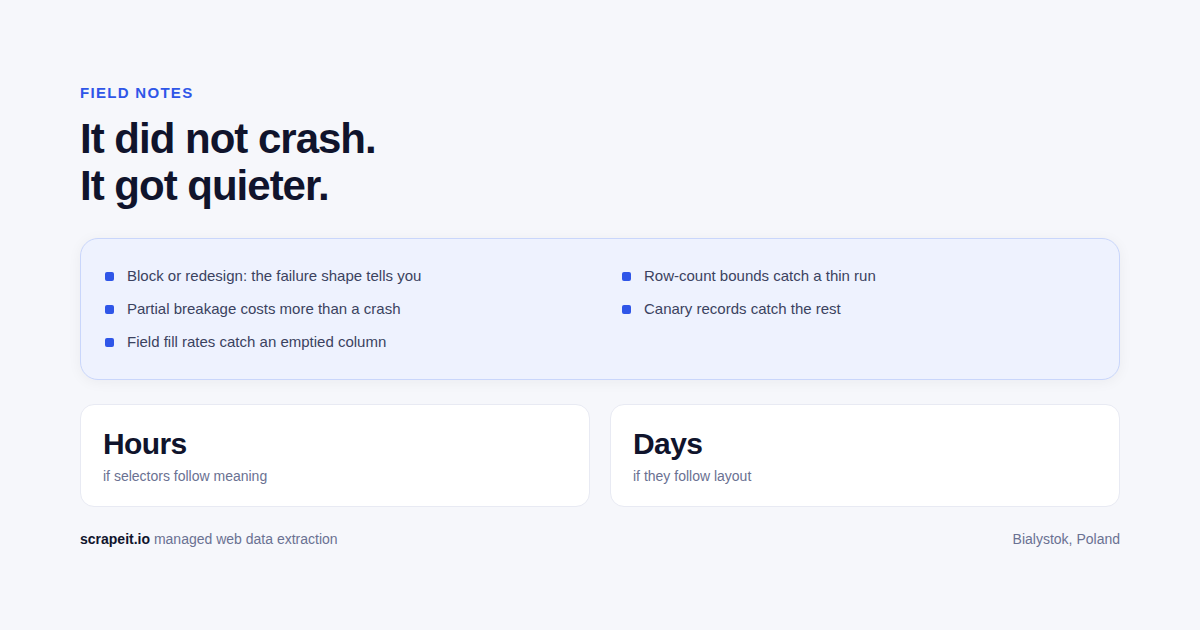
If your pipeline went quiet or started filling columns with nulls after a target site shipped a redesign, the first job is not fixing selectors - it is establishing whether the site changed its markup or changed its mind about letting you in. The two failures look similar from the outside, need different responses, and guessing wrong costs you a day.
Redesign or block: the shape of the failure tells you
Pull one failing URL, save the raw response to disk, and read it before you touch any code. Almost everything you need is in that file.
It is a redesign if the response is a 200 with a full page of HTML, the content is there for a human reader, and your extraction returns empty for specific fields. Typical signatures: row counts look normal but two or three columns are null; listing URLs now 301 to a new path pattern; the values you want moved into a client-side JSON payload and are no longer in the server HTML; an internal API changed its response shape.
It is a block if you get 403, 429, or 503, an interstitial or challenge page, a shell page with no data at all, or sudden latency where there was none. Blocks correlate with your infrastructure rather than the page: the same URL works from your laptop and fails from the runner, or works for the first minutes of a run and then stops. That failure mode has its own playbook - what to do when a scraper keeps getting blocked.
The uncomfortable part: relaunches are exactly when both happen at once. A redesign is usually the moment a new CDN or WAF configuration goes live, so you can be parsing a changed template and getting rate limited in the same run. Confirm which one you have before fixing anything, or you will chase a selector bug that is actually a challenge page.
Why silent partial breakage costs more than a crash
A crawler that dies is a good crawler. Nobody consumes the output, the alert fires, you fix it. The expensive failure is the run that completes green, delivers a normal-looking file, and has one field quietly empty on a subset of pages - typically a subset defined by page type or category, so it never shows up in the totals.
Two things make this worse than downtime. First, the bad data is already downstream: in a database, in a dashboard, in a pricing decision. Someone acted on it. Second, some of it is unrecoverable. Sold listings, filled jobs, expired offers and past fares do not sit there waiting for a backfill. On Allegro.pl we monitor 150K EANs a day for the lowest price; a null price there is not a missing cell, it is a repricing decision made on nothing.
Detection: fill rates, row-count alarms, canaries
Detection has to be at the field level. A health check that only asks "did the job finish" catches none of this.
- Per-field validation with a fill-rate floor. Not just "price is a number when present", but "price is present on at least the historical baseline share of rows for this page type". Baseline it from your own history, and segment it - a site can break one category template and leave the rest intact.
- Row-count alarms against the same weekday, not yesterday. Listing volumes have weekly shape. Comparing to the previous run generates noise on Mondays and misses real drops on weekends.
- Canary records. A small fixed set of stable URLs with known expected values, fetched at the start of every run. If the canary parse fails, hold the run instead of publishing it. Cheapest control on this list, and it catches redesigns on the first day rather than the first complaint.
- Structural fingerprints. Hash the shape of a listing template - tag path skeleton, presence of key containers - and alarm when it changes.
- Fail closed. When validation trips, keep the last known good delivery in place and raise an alert. Never overwrite good data with a partial file because the schedule said so.
The data samples are real extracted output, which is the level to check a delivery at: fields populated consistently across the file, not merely present in the header row.
The fast fix and the durable fix
The fast fix is hours of work. Find the new anchor for the broken fields, patch, run against saved copies of the page rather than live traffic, backfill the gap window, then resume forward crawling. Do the backfill first - the further you get from the outage, the more of it is gone for good.
The durable fix asks a different question: why did this break, and what else does the same change break? Two moves pay for themselves. One, look for the data source underneath the DOM. In most redesigns we work through, the content has moved into an embedded state blob or an internal JSON endpoint that the front end consumes. That interface is a contract for their own app, so it usually outlives several restyles. Two, widen field coverage while you are in there - fields you skipped at build time are cheapest to add on the day you rewrite the parser anyway.
The fast fix is sometimes the correct final answer. For a one-off dataset or a target you will drop this quarter, hardening the parser is work you will never get back.
Structuring selectors so a redesign costs hours, not days
Nothing prevents redesigns. What you control is what one costs when it lands.
- Separate fetch, parse, and normalize. A markup change should touch one file, not the delivery format, the dedupe logic, and the scheduler.
- Keep selectors in configuration, not scattered through code. When they live in one place, a redesign is a diff someone can review.
- Give every field a fallback chain, and log which tier answered. Try the JSON payload, then a stable attribute such as microdata or a test id, then a text-label anchor, then a positional CSS path. When tier one stops answering across a whole run, that is your redesign alarm - before any field goes null.
- Anchor on things that survive a restyle. JSON-LD, microdata, aria labels and label text near a value tend to persist. Generated class hashes and nth-child chains do not.
- Keep a fixture library. Saved HTML per page type with expected output turns a redesign from exploratory work into a failing test. This is what separates a fix measured in hours from one measured in days.
- One thin parser per site, one shared normalizer. Standardizing five European property portals into a single schema at 230,000 rows a day only stays maintainable because the site-specific layer is small and the schema is common.
When to stop patching, and when to hand it over
Rebuild rather than patch when you see any of these: several patches to the same parser in a short period; the site moved from server-rendered pages to a client application; the pagination or ID scheme changed, quietly invalidating your dedupe keys and your history; the fields you need now sit behind an interaction such as a map viewport, a filter state, or a login; or you can no longer state confidently what the crawler covers. That last one is the real threshold. A crawler nobody can describe is not an asset.
Rebuilds are usually shorter than the patching backlog that preceded them, especially when fixtures and a schema exist. For scale, a from-scratch build of iHerb at 250,000 products took 3 days end to end, and 60K sold listings from Zolo.ca took 2 days.
Keep it in-house when you have one or two stable targets, an engineer who genuinely owns them, and requirements that change weekly - coordinating with an outside team costs more than the maintenance does. The trade-off is laid out in build versus buy.
Hand it over when the number of targets is the problem rather than any one of them, or when the data feeds something customers pay for. That is what ScrapeIt does: we build the crawlers, run them, and fix them when the site changes, which is the ongoing work rather than a one-time build. Plans start at EUR 199. If an existing pipeline broke and you want it rebuilt properly, custom development covers that - send us the target and the fields and you get a scope back.
Frequently asked questions
How do I tell a redesign from a block?
The shape of the failure tells you. A block usually arrives as an error status, a challenge page or an empty response across the board. A redesign usually returns a valid page where some of your selectors no longer match, so you get rows with fields missing rather than no rows at all.
Why is partial breakage worse than an outright crash?
Because nothing alerts. A crash stops the pipeline and someone notices within a day. A parser that quietly drops one field keeps delivering data that looks fine, gets loaded into a system of record, and is discovered weeks later by someone who trusted a number that was wrong.
What monitoring actually catches a silent break?
Three things that work together: field fill rates, so an emptied column raises an alarm; row-count bounds, so a run returning 60 percent of the usual volume is treated as a failure rather than a small day; and canary records, a handful of known items whose values you can assert on every run.
How do I make redesigns cost hours instead of days?
Structure selectors so they depend on meaning rather than layout. Anchor on stable identifiers, labels and data attributes instead of positional paths through the markup, and keep the extraction map in one place rather than scattered through the code. Then a redesign is a change in one file.
Have a target list and a deadline?
Send the sites and the fields you need. You get a scoped answer and a price, not a discovery call.


