
bol.com Seller Data: 72,961 Sellers with KvK, VAT and Address
Every seller shop on bol.com with its trade name, business address, KvK and VAT number, collected once: 72,961 shops in 18 days.
Case study
The client is a product content company. Its catalogers build product catalogs for industrial distributors, and for that they needed the full range of large MRO suppliers in one predictable layout: every product, its category path, all technical attributes and a classification code. The first brief named Grainger and Fastenal: the complete taxonomy, all attributes and the UNSPSC code of each item, starting with one section so the team could judge the data first.
A year later the same client added Cromwell in the UK, where products also carry an EAN.
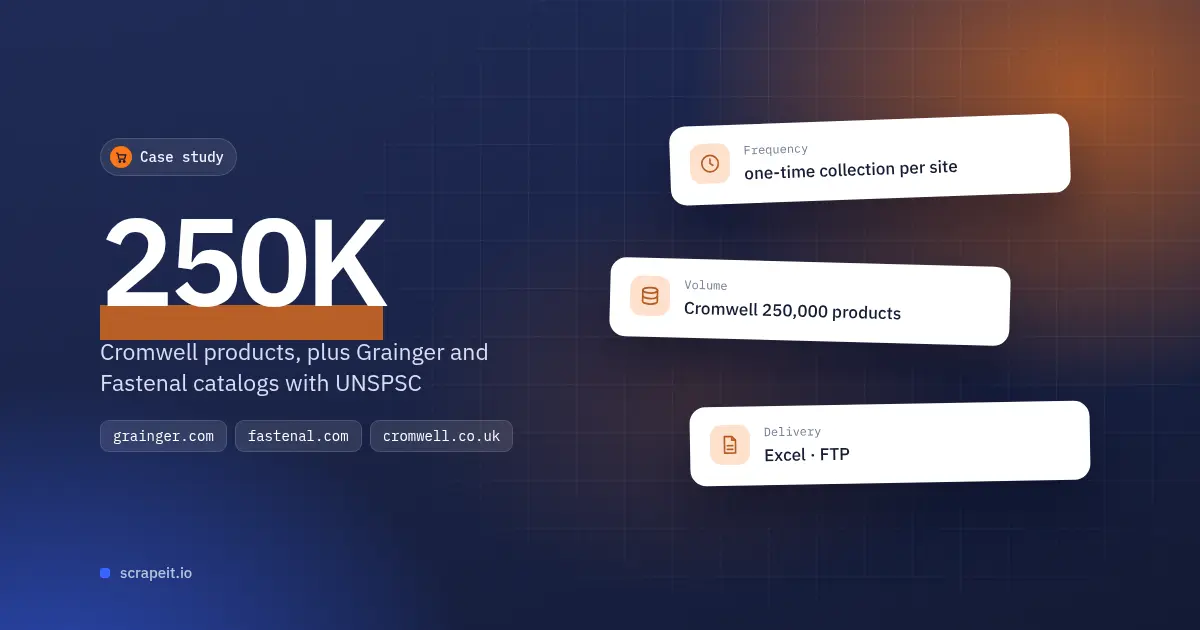
The first Fastenal sample, one small category, went out two days after the brief in CSV, JSON and Excel. A Grainger sample of about 300 rows followed, and then a full Safety category of 804 rows. Each row carries the title, brand, category chain, SKU, manufacturer model number, UNSPSC code, country of origin, description, image and data sheet links, then every specification as an attribute name and value pair.
The client's review shaped the rest of the project:
After the catalogers spot-checked the Safety file, an updated sample with a taxonomy sheet went out. The client approved it and asked for each category as soon as it was finished.
The first Grainger file was Abrasives. Four days after it, 15 of the 33 categories, 45% of the site, were done. At the client's request, no columns in the files are grouped or hidden, so the UNSPSC column is visible in every file.
While Grainger was still running, the client asked to start Fastenal, with no sample needed. The first Fastenal files came 12 days after that request, new ones appeared every day, and four days later 31 of the 32 were in place.
The client then asked for one more field, the product weight from the shipping details, and chose to add it from the next Fastenal run rather than redo the files.
Cromwell listed about 300,000 products on its site. The full dataset, 250,000 products in 19 files of 2 to 60 MB, was on the FTP nine days after the brief. The category path takes four columns, the deepest level on the site; a shorter path leaves the last ones empty.
On Cromwell, the EAN and UNSPSC code appear among the product attributes, and different products list their attributes in a different order. The client wanted every column to hold one kind of value: the EAN always in the same column and empty when a product has none, so the ECLASS code next to it never moves into its place. The layout change took a new export, not a new collection, and the aligned files followed.
The client has three MRO catalogs in one layout: Grainger in 33 categories, Fastenal in 32 category files and Cromwell with 250,000 products. Each row has the category path, SKU, manufacturer model number and every attribute, with the UNSPSC code on Grainger and Cromwell and the EAN on Cromwell. With a taxonomy sheet next to the data, the catalogers map products to their own classification without opening a product page.
See our Grainger scraper, our Fastenal scraper, our Cromwell scraper and our eCommerce scraping service; data can also come through our API or as a JSON feed. To scope a full distributor catalog of your own, contact our team.
Every seller shop on bol.com with its trade name, business address, KvK and VAT number, collected once: 72,961 shops in 18 days.
A one-time B2B lead file from Amazon seller profiles: 51,216 sellers with business name and address, 13,366 of them in the US and Canada.
The five cheapest Allegro.pl offers for every EAN on a list the client uploaded each day, with delivery cost and date, running six days after sign-off.
Let us take your work with data to the next level and outrank your competitors.
You tell us which website(s) to scrape, what data to capture, how often to repeat etc.
An expert analyzes the specs and proposes a lowest cost solution that fits your budget.
We configure, deploy and maintain jobs in our cloud to extract data with highest quality. Then we sample the data and send it to you for review.
If you are satisfied with the quality of the dataset sample, we finish the data collection and send you the final result.
Tell us more about you and your project information.